
To add a new user to the platform, follow these steps:
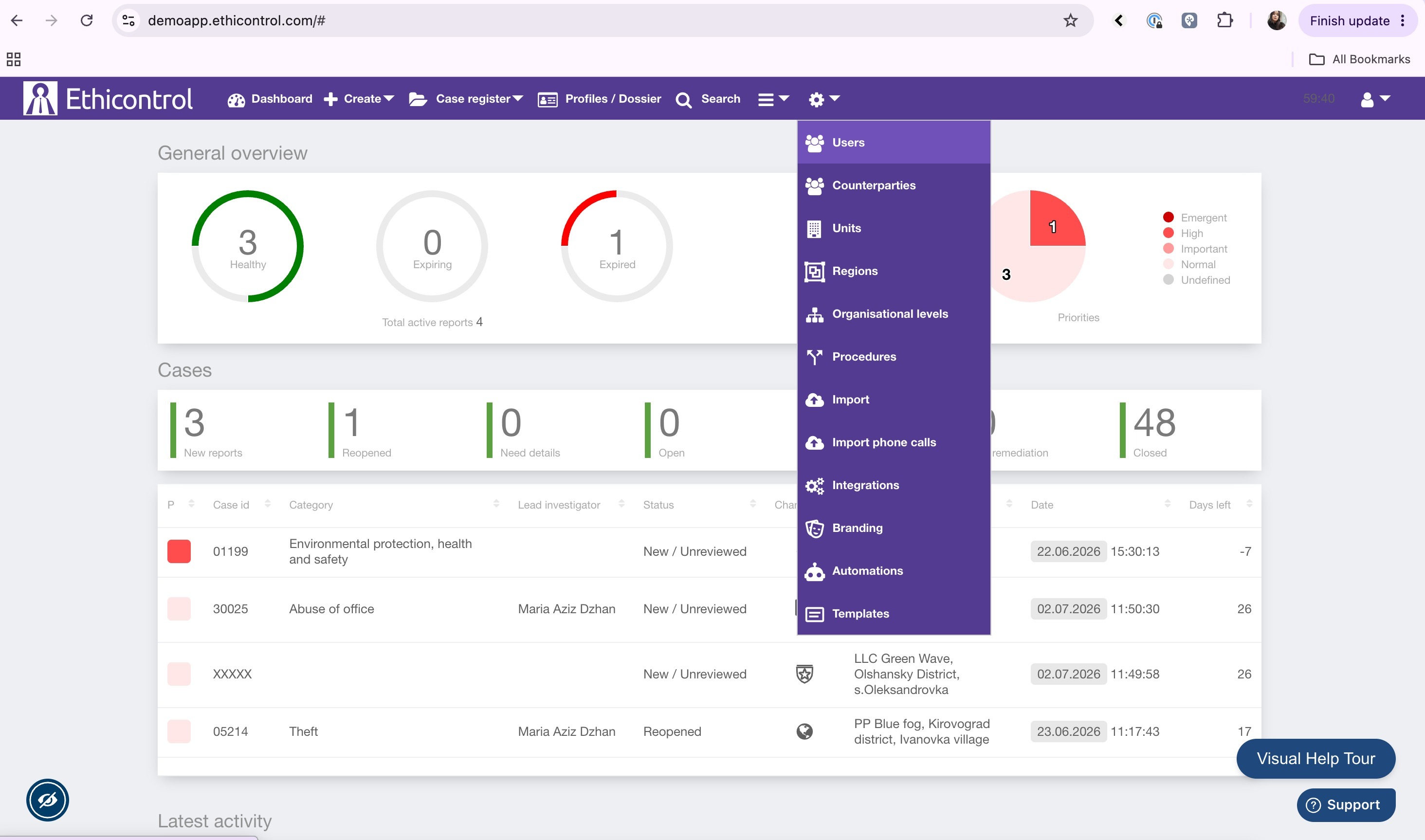
- From the Main Dashboard, open the Settings section.
- Navigate to the Users tab.
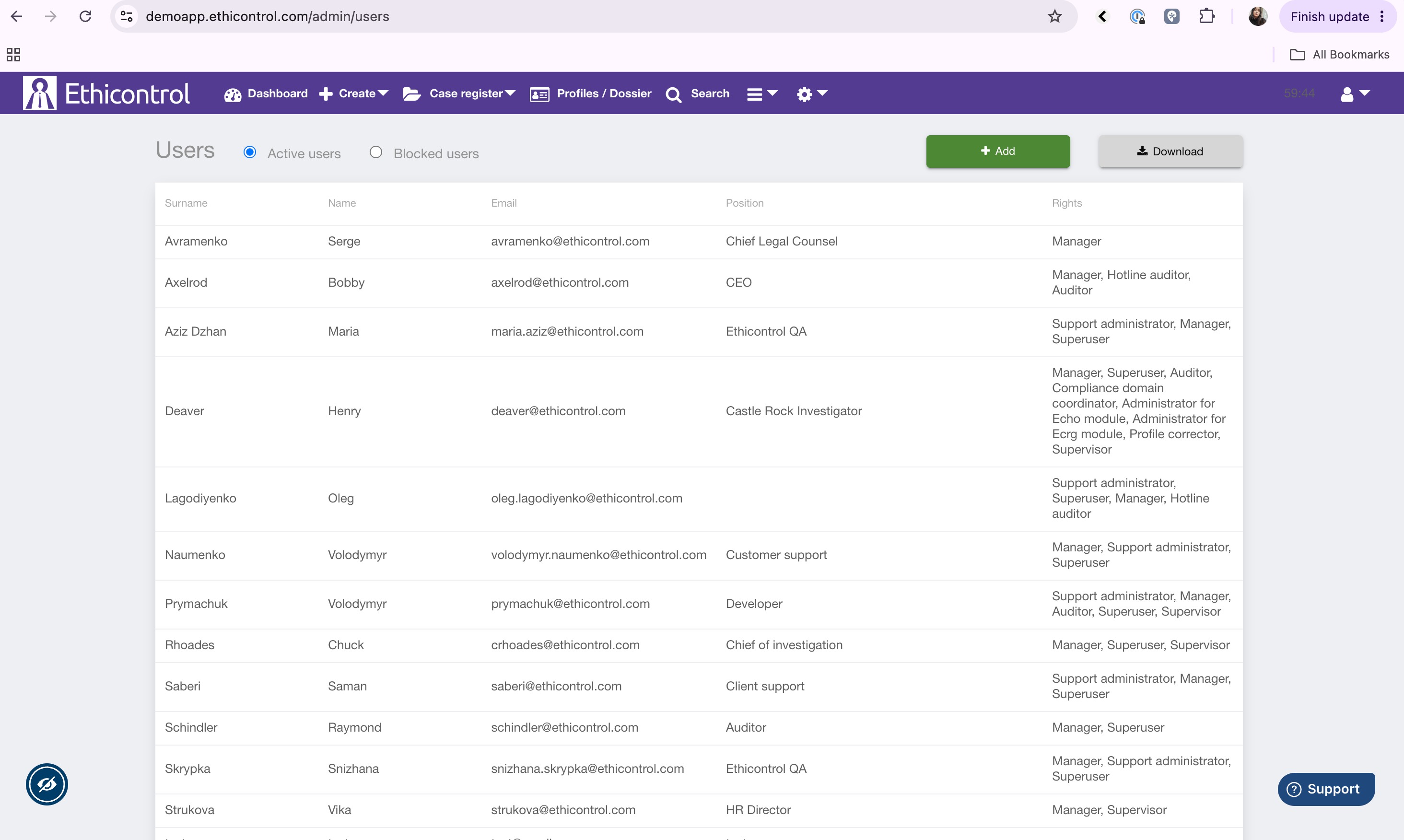
- Click Add.
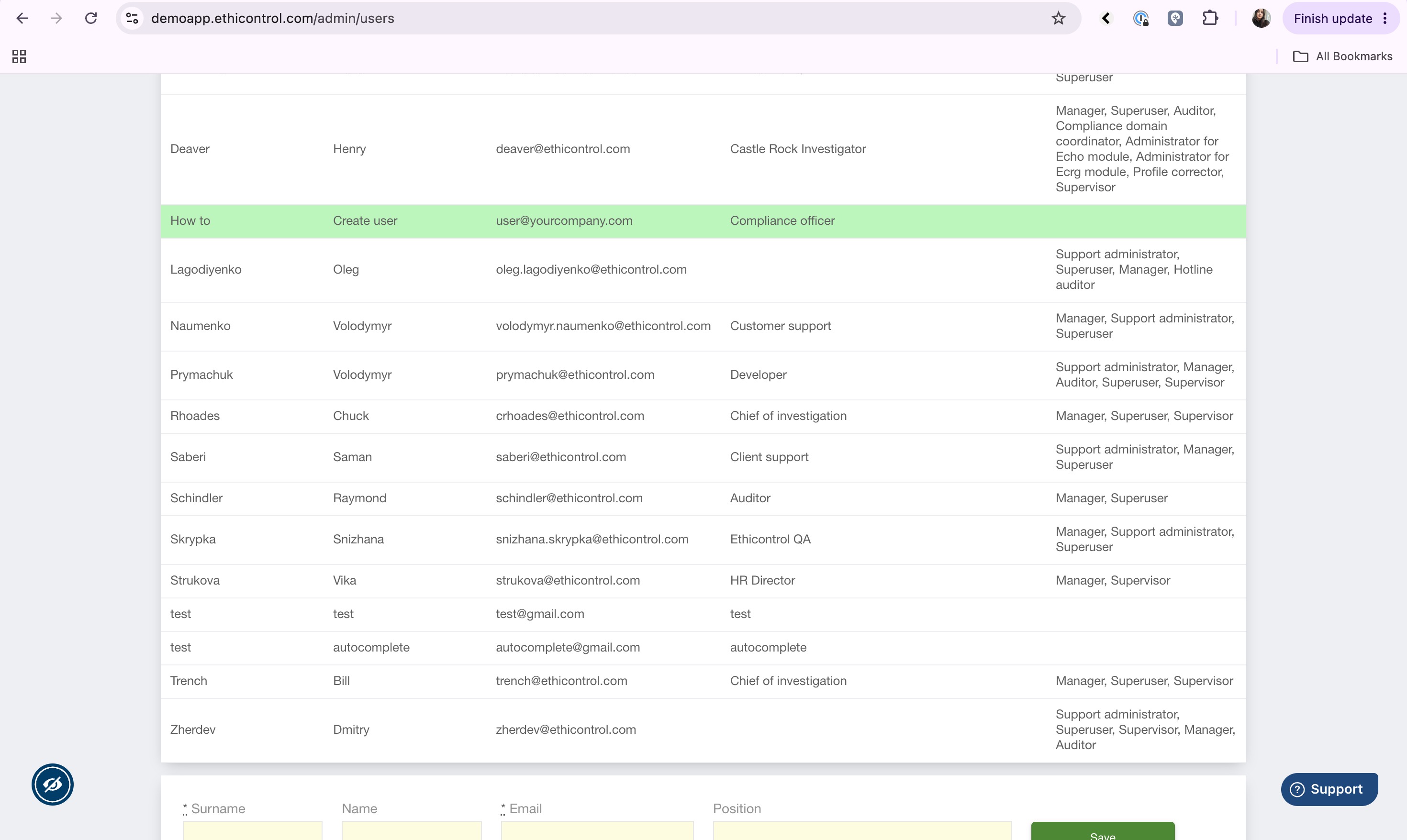
- Complete all the required user information.
- Click Save to create the user account.

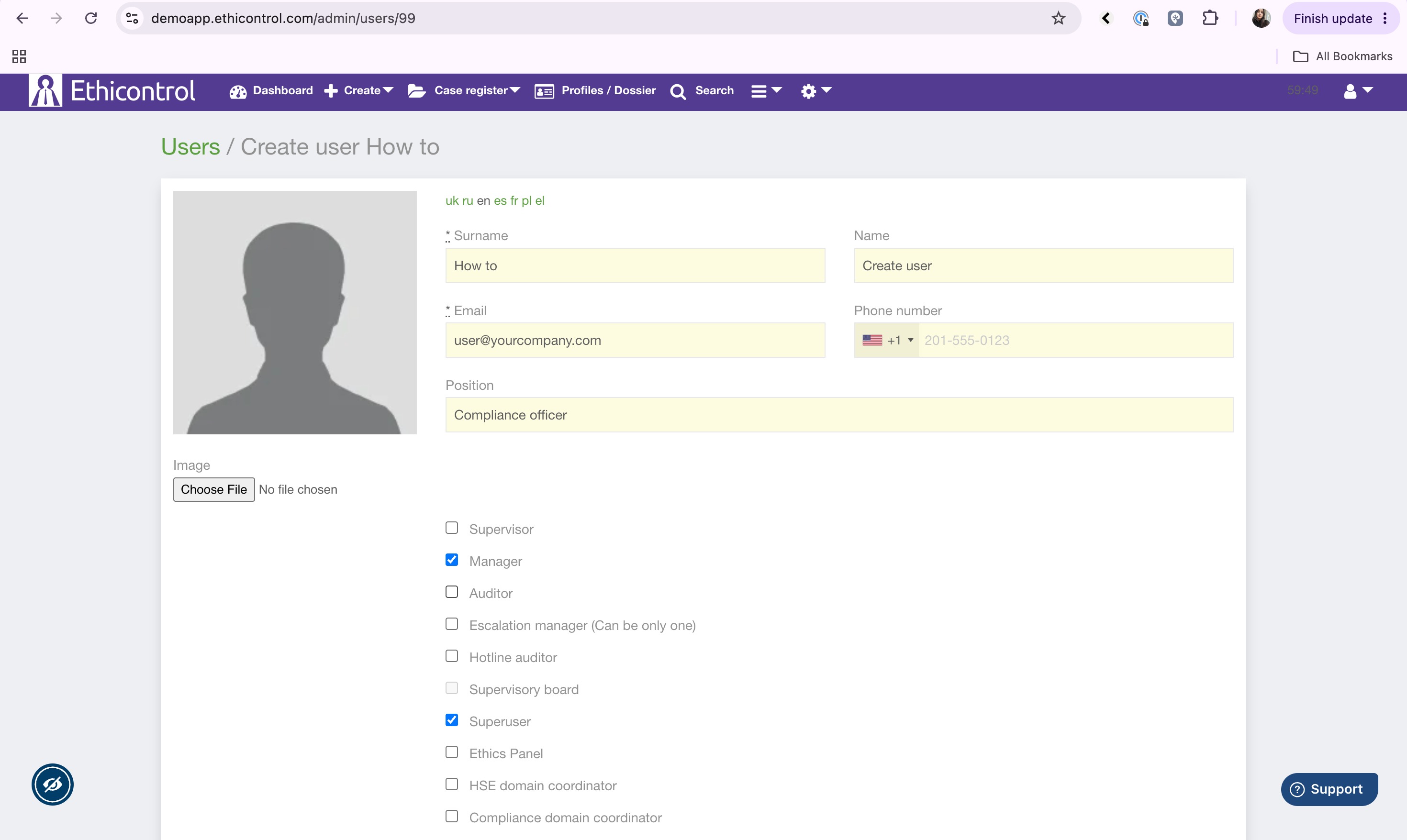
- Open the newly created user's Profile.
- Assign the appropriate roles based on the user's responsibilities.
- Save your changes.
User Invitation
After the user account is created, the system automatically sends an invitation email to the user's registered email address.
The invitation email contains a link that allows the user to create their password and activate their account.
Important:
- The invitation link is valid for 10 minutes.
- If the link expires before it is used, the user can click Forgot Password on the login page to receive a new password setup link.